Live TV with a real guide
Channel numbers, now & next with progress, a 7-day EPG grid, reminders and one-key zapping. Your provider's guide is picked up automatically.
Ondaly turns any M3U or Xtream playlist into a lean-back TV experience: a real programme guide, artwork and synopses for every movie and series, recordings, and subtitles that sync themselves to what you hear.
Works with any provider that gives you an M3U or Xtream Codes login
Designed for the sofa: big text, D-pad navigation, and no fiddly menus.
Channel numbers, now & next with progress, a 7-day EPG grid, reminders and one-key zapping. Your provider's guide is picked up automatically.
Posters, ratings, synopses and cast straight from your playlist, kept on disk so they load instantly. Optionally add your own TMDB key for extra artwork and real episode titles in your language.
Late or early subtitles? The player listens to the dialogue and shifts the subtitles to match, including frame-rate drift. Nudge by hand with two keys.
Record now or schedule from the guide, watch recordings anywhere in the app, and jump back into programmes your provider keeps in its archive.
Watch up to four channels at once and switch the audio with a click. Perfect for match days.
Aspect ratio, speed, sleep timer, audio and subtitle tracks, picture-in-picture, casting and a next-episode countdown, all one key away.
Separate favourites, history and preferences per person, PIN-locked categories, and adult categories hidden by default.
Your playlist and history stay on your device. Nothing is uploaded; no account is needed to watch.
Real screens from the desktop app.
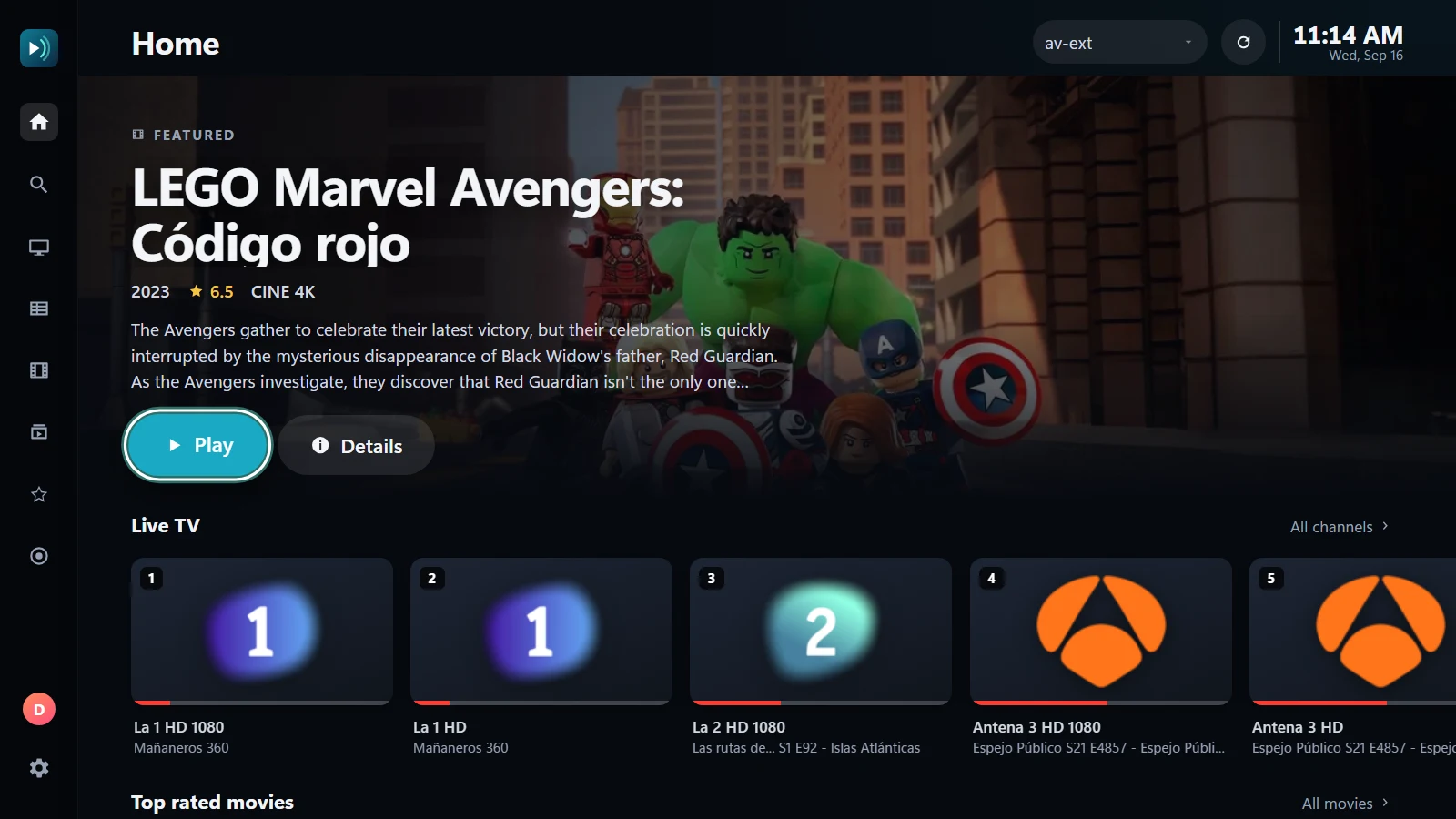
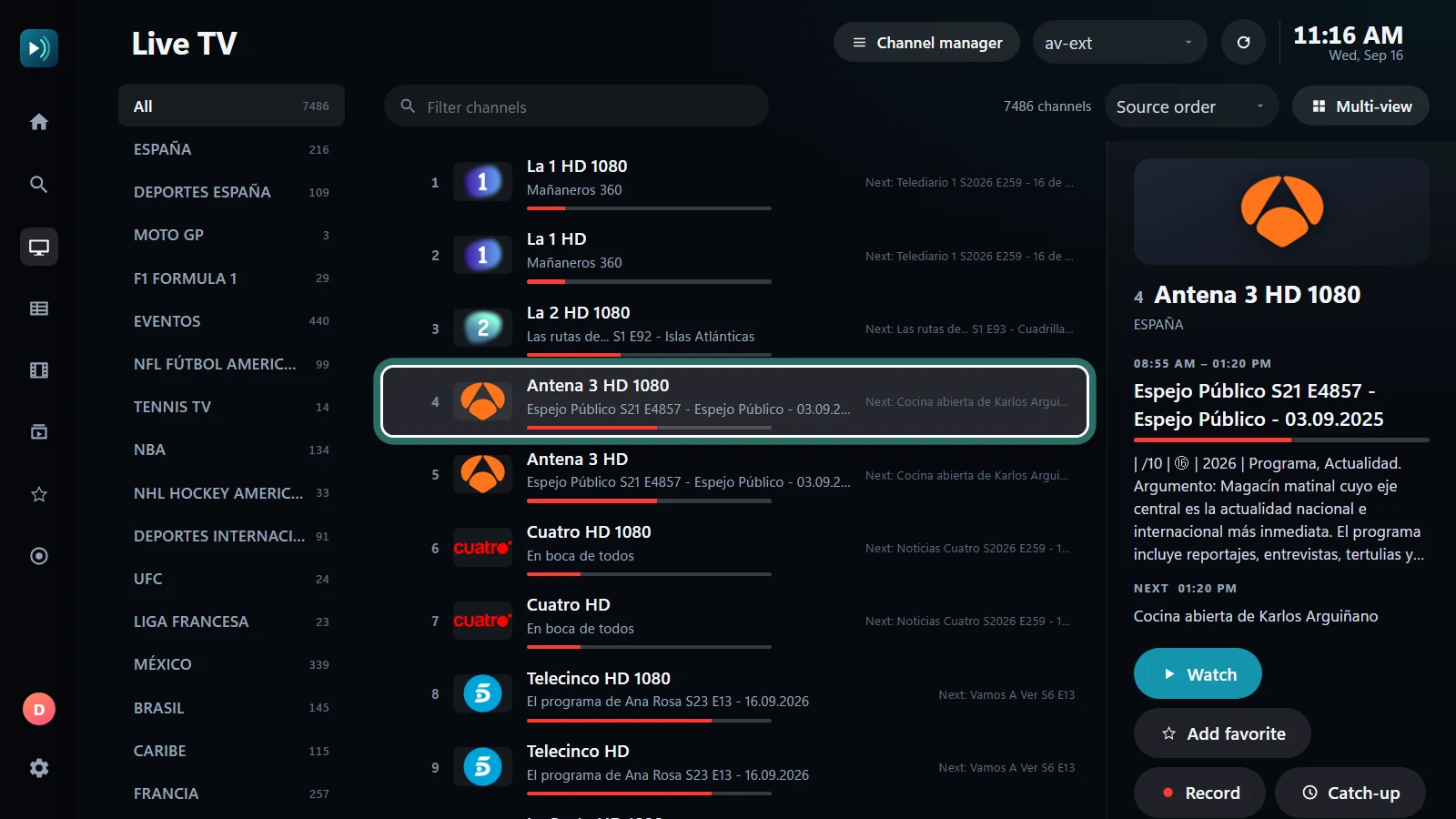
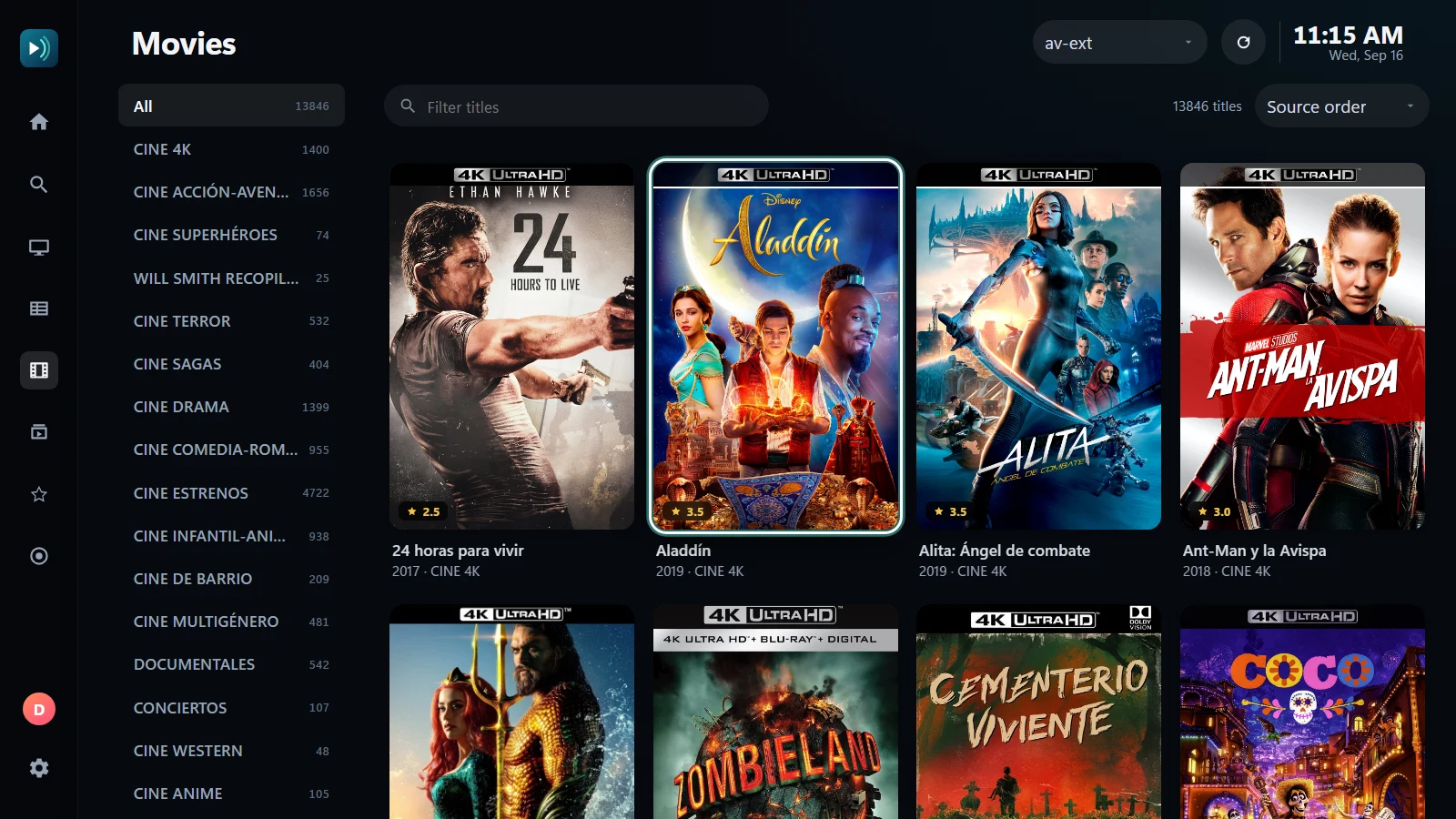
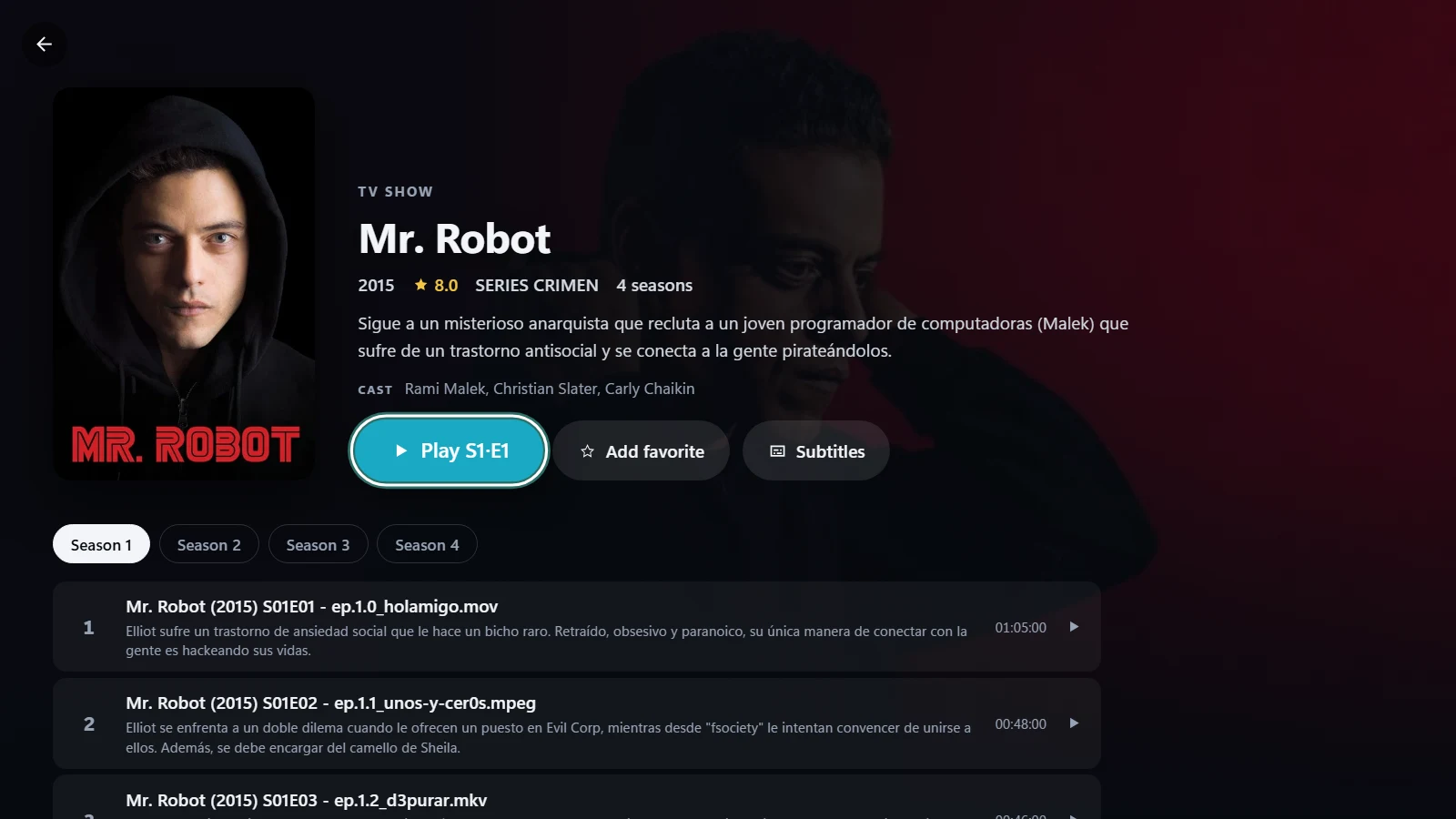
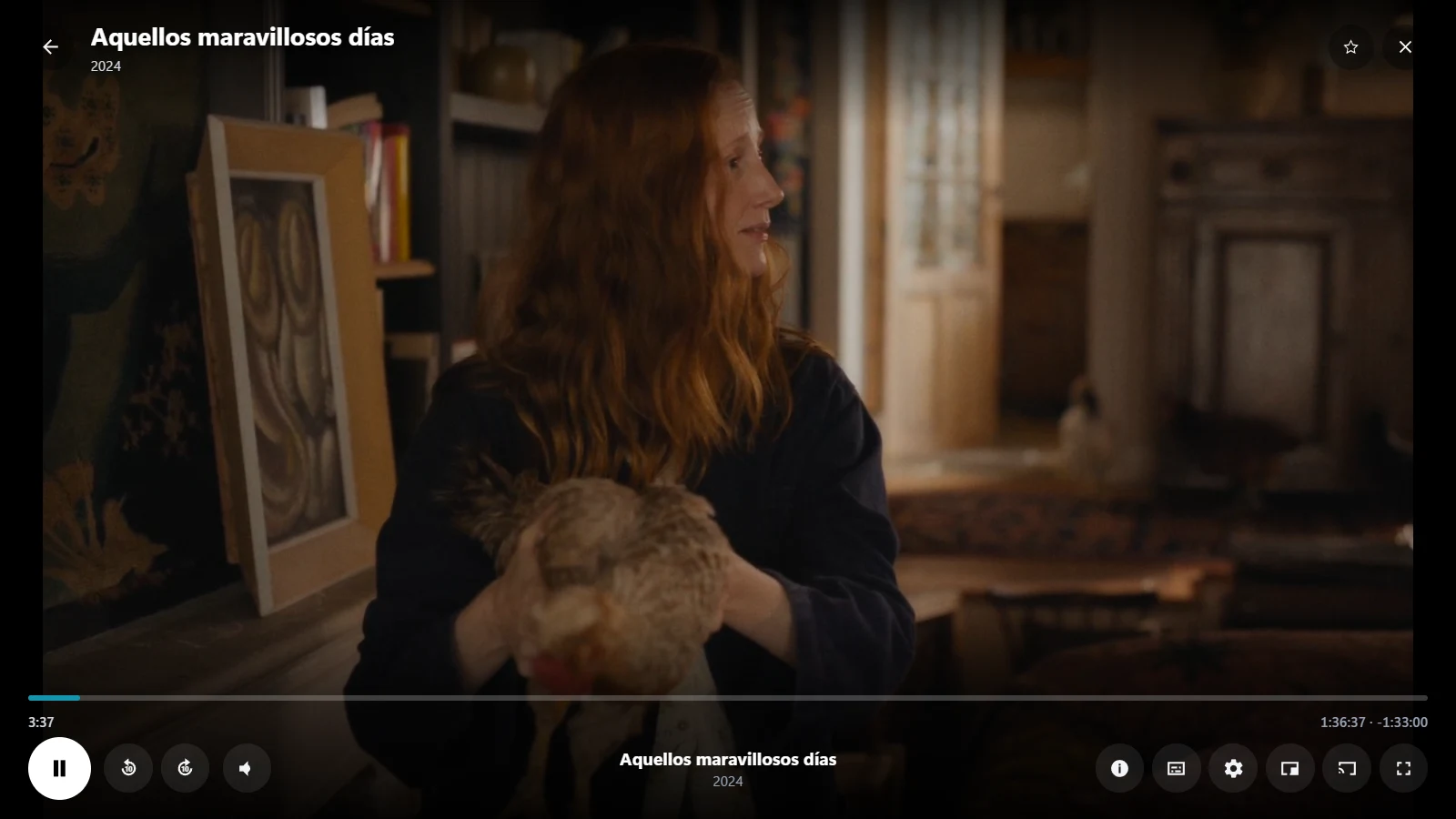
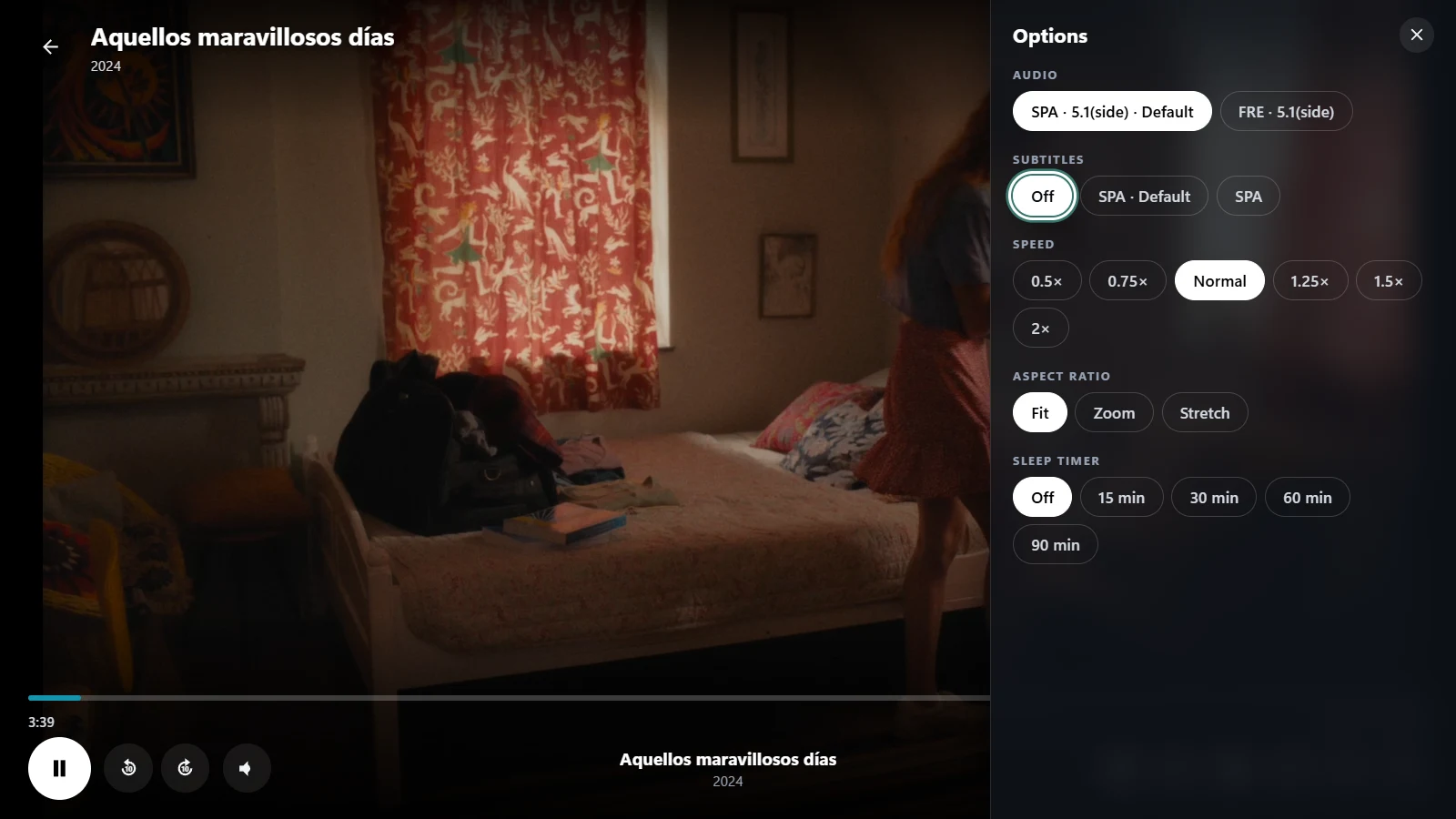
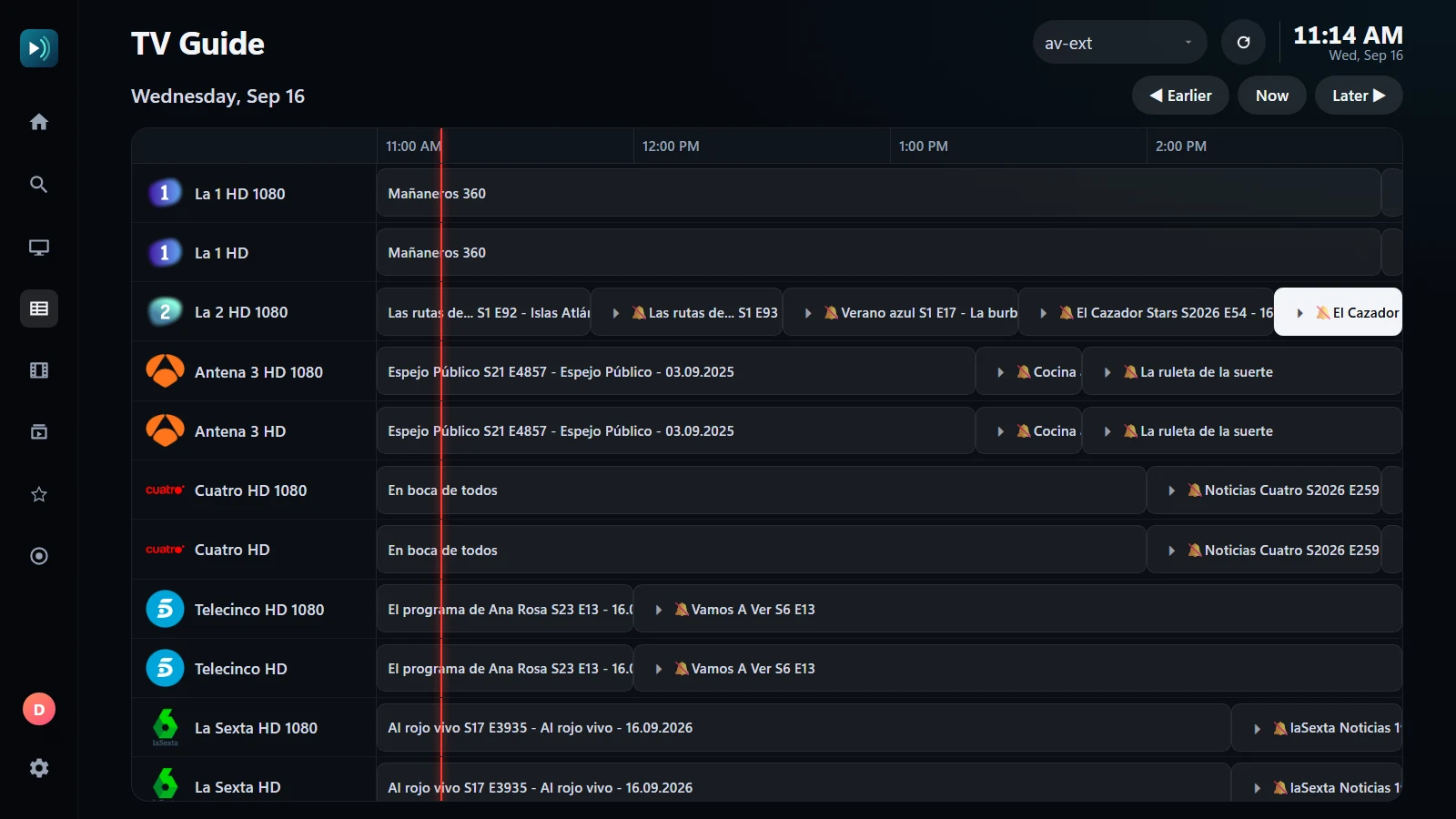
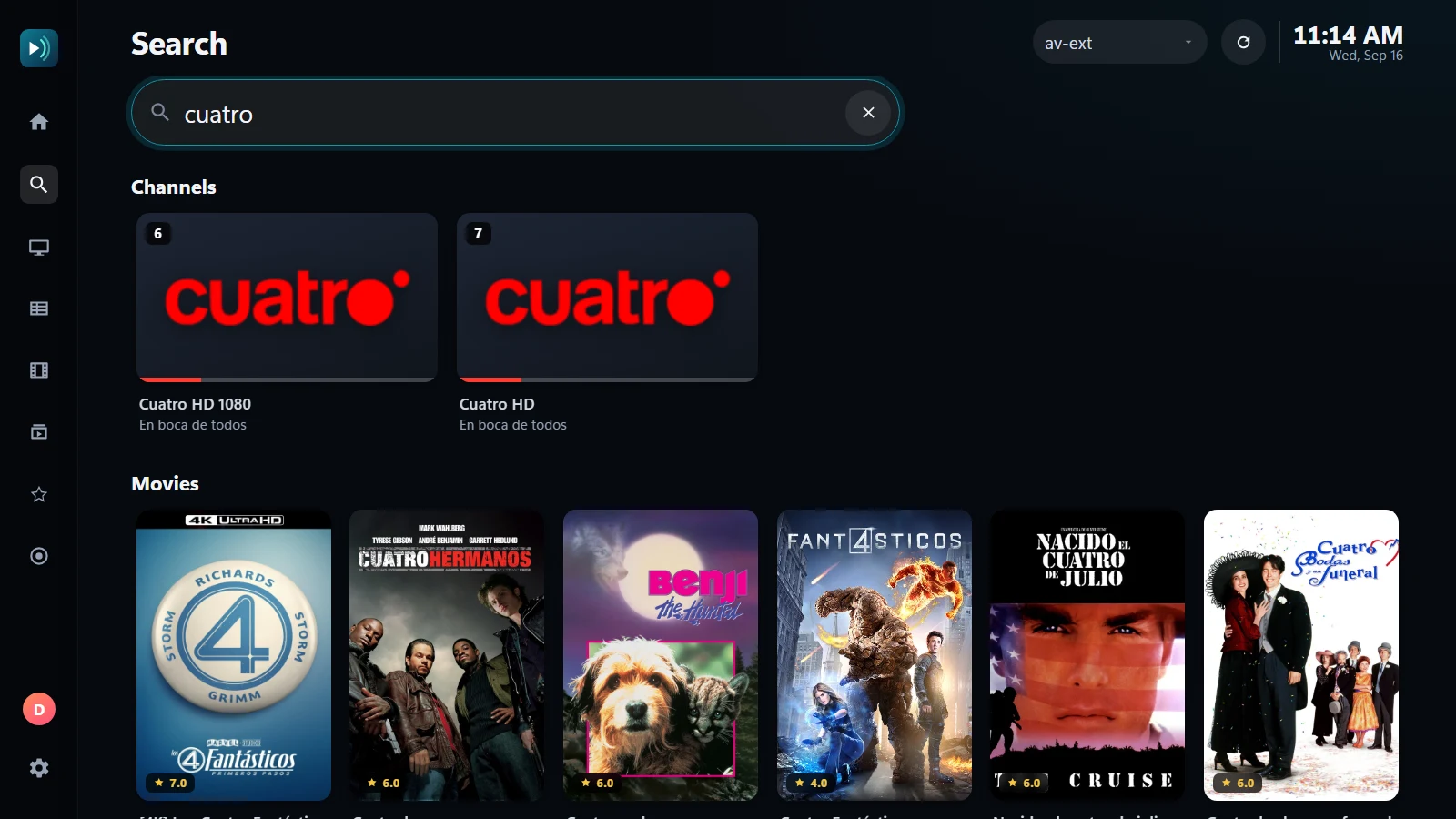
Download for Windows or macOS, or sideload the Android TV app.
Paste your M3U link or Xtream Codes login. The guide and artwork are found for you.
Use the keyboard, a remote or the mouse. Everything works from the sofa.
Start with a free 7-day Premium trial. Keep the free plan for as long as you like.
Free
Live TV with today’s guide, favourites and search. One playlist, one device.
Download2.99 €per month
Everything, billed monthly. Cancel any time.
Choose14.99 €per year
Everything, for the price of a coffee a month.
Choose39.99 €one-time
Pay once, keep it forever on up to 5 devices.
Choose21.99 €per year
Premium for the whole household: 10 profiles, 8 devices.
ChoosePrices include VAT. Payments are handled by our reseller (merchant of record); you get an invoice and can cancel from your account.
After paying, open the app, go to Settings › Account & Plan and sign in with the same e-mail: Premium activates on the spot. Activation codes are redeemed on the same screen.
Premium plans open soon — every download starts with the full trial.
No. Ondaly is a player. You add the M3U or Xtream Codes playlist you get from your own provider. We do not sell, host or recommend content.
M3U / M3U8 playlists and Xtream Codes logins; HLS, MPEG-TS and MP4/MKV streams. AC-3 and E-AC-3 audio are transcoded on the fly so they play everywhere.
When you enable a subtitle track, the app analyses a few minutes of the dialogue and cross-correlates it with the subtitle timings. It corrects the offset and any frame-rate drift, and you can re-run it with the S key.
Not to watch. An account (just your e-mail, no password) is only needed for Premium and to sync history between devices.
Free: one. Premium: up to five, Family: eight. You can remove devices from your account at any time.
Yes, within 14 days of purchase, no questions asked.
Version 0.1 · Windows 10/11, macOS 12+, Android TV 9+
Windows, macOS and Android / Android TV. One account, the same plan on every device.